
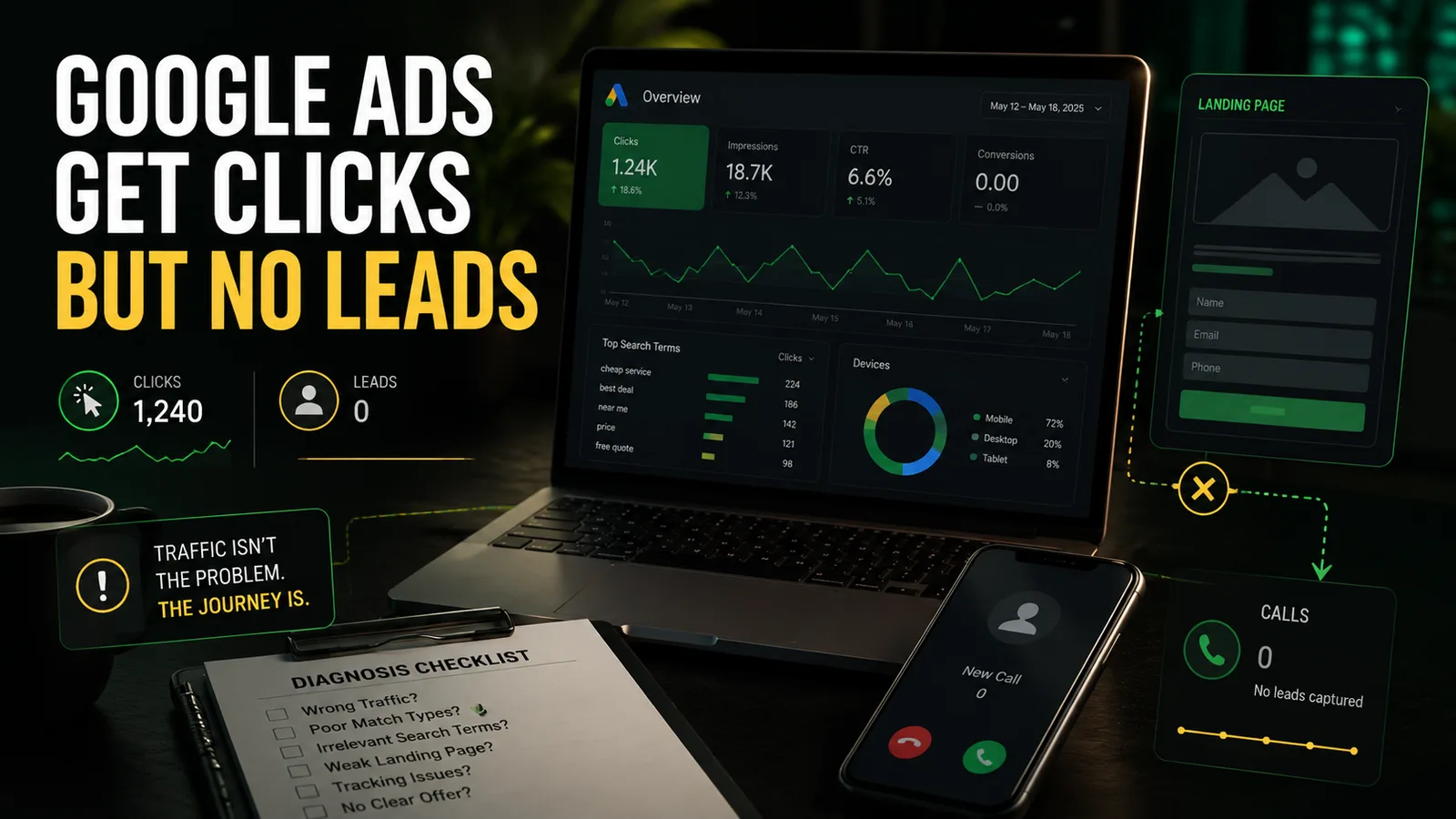
A local service ad can win the click and still lose the lead. When people visit but nobody calls, requests a quote, or books, the leak is usually in tracking, traffic quality, the page itself, or what happens after someone reaches out.
Current as of: Google Ads platform details and supporting research were checked June 22, 2026. Google changes frequently, so recheck exact settings before making account changes.
Quick answer If your Google Ads get clicks but no leads, do not assume the answer is simply “spend more” or “Google Ads does not work.” First determine whether leads are being measured correctly, whether the clicks come from real buyers in your service area, whether the landing page continues the promise made by the ad, and whether calls or forms are being handled properly after they arrive.
Clicks are not the same as leads
A click proves that somebody chose your ad. It does not prove that the person needed your service, lived inside your service area, trusted the page, completed a form, reached you by phone, or became a qualified customer.
Google Ads only knows what you configure it to measure. Google distinguishes between primary and secondary conversion actions: primary actions can be used for bidding and appear in the main conversion reporting, while secondary actions are generally observation signals. That distinction matters because an account can look dead when real inquiries are not being measured, or look healthy when weak actions such as button taps are being counted as leads.
For a local service business, there are at least three different outcomes:
- A click: someone selected the ad.
- A tracked conversion: Google recorded an action you told it to count.
- A qualified lead: a real person in the service area wants a service you actually provide and can become booked work.
Those are not interchangeable. A campaign can generate plenty of the first outcome and very little of the third.
First separate “no tracked leads” from “no actual leads”
Before changing bids, rebuilding campaigns, or increasing the budget, answer one basic question:
Did nobody contact the business, or did Google Ads fail to record the contacts that happened?
Check the evidence outside the ad dashboard:
- incoming and missed-call logs;
- voicemail;
- form-notification inboxes;
- booking calendars;
- CRM or spreadsheet entries;
- direct emails received during the campaign period.
If calls or forms exist outside Google Ads, the first problem is measurement. If there are no calls, forms, bookings, or credible inquiries anywhere, the problem is more likely traffic quality, the landing page, the offer, or follow-up.
This distinction prevents a common mistake: rebuilding the ads when the tracking is broken, or fixing the tracking while the campaign continues buying useless searches.
The four places the click-to-lead path usually breaks
The fastest useful diagnosis is to stop treating Google Ads as one isolated box. A local lead system runs from the search query through the page and into the business’s real response process.
Four common failure points
| Where it breaks | What you notice | What it usually means |
|---|---|---|
| Measurement | Calls or forms exist, but Google reports few or no conversions | The account may be counting the wrong actions, missing real actions, or using incomplete call/form tracking |
| Traffic quality | The ads receive clicks, but visitors are poor fits | Search terms, match types, negative keywords, geography, or campaign structure may be attracting non-buyers |
| Page and lead path | The traffic looks relevant, but visitors do not contact you | The page may be too general, weak on mobile, short on proof, or unclear about the next step |
| Operations | People call or submit, but little becomes booked work | Calls may be missed, forms may go unanswered, or the response process may be too slow or unclear |
These failures often stack. A campaign may buy broad traffic, send it to a generic homepage, count phone-button clicks as leads, and then miss the calls that do come through. The result looks like a Google Ads problem, but the real issue is the whole click-to-lead system.
Tracking problems can make real leads invisible
Tracking failure is especially dangerous because it corrupts both reporting and optimization. You may not know whether the campaign is producing inquiries, and Google may be learning from the wrong signals.
Common tracking problems include:
- the real form submission is not measured;
- a form works, but there is no reliable confirmation page or completion event;
- website calls are not tracked after an ad click;
- calls from ads and calls from the website are lumped together or misunderstood;
- a mobile phone-number tap is treated as if a real conversation happened;
- a useful lead action is marked secondary while a weaker action is primary;
- the same lead is counted through multiple sources.
Google’s phone call conversion documentation makes an important distinction: website call tracking can count calls that meet a duration threshold, while mobile phone-number click tracking only measures the click, not the completed phone call. That is the difference between measuring intent and measuring an actual conversation.
A business owner does not need to become a Tag Manager technician to understand the warning sign. If the dashboard says “zero leads,” but the phone rang or forms arrived, the data is incomplete. If the dashboard shows lots of conversions but the business received no credible inquiries, the account may be celebrating the wrong actions.
The exact repair can involve conversion goals, tags, call sources, form events, or duplicate-counting rules. That is where casual button-clicking in the account can create more damage than clarity.
The ads may be buying the wrong searches
The keywords you choose are not always the exact words people type. Google’s search terms report exists so advertisers can see the actual searches that triggered ads.
That report often explains why an account gets clicks without leads. A contractor may think they are advertising “roof repair,” while the paid searches include DIY questions, roofing jobs, product research, unrelated materials, or towns the company does not serve.
Match types are also meaning-based rather than purely literal. Google’s keyword matching guidance describes broad, phrase, and exact match as different levels of reach and control. None of them removes the need to review actual searches.
For local service businesses, weak traffic commonly comes from four places:
- Research intent: the person wants information, not a provider yet.
- DIY or employment intent: the person wants instructions, supplies, training, or work.
- Wrong-service intent: the search is related to the industry but not to a service you sell.
- Wrong-location intent: the person is outside the real service area or merely interested in it.
Negative keywords help exclude unwanted searches, but they are not a one-time magic list. Google’s negative keyword guidance frames them as a way to prevent ads from showing for terms that do not matter to your customers. The useful negatives depend on the business, the service, and the search-term evidence.
Geography deserves the same attention. Google’s location-targeting documentation explains that broad geo targeting can include people who have shown interest in a location, not only people physically there. That may suit some industries. It can be expensive nonsense for a contractor who only drives within a fixed service area.
The practical point is simple: good-looking click numbers can hide bad intent. The only way to know is to inspect what triggered the clicks and whether those people could realistically hire the business.
The page may not match what the person searched
Even a good click can die on the wrong page.
Google recommends choosing a landing page that closely matches the ad and keywords. The visitor should immediately recognize the service, the offer, the location, and the next step that the ad promised.
A generic homepage often struggles because it serves too many purposes at once. It may include every service, company history, hiring links, social posts, multiple navigation paths, and a vague “Contact Us” button. That is useful for general browsing. It is not always useful for someone who clicked an ad for one specific problem.
For most local service campaigns, the destination page needs to answer four questions quickly:
- Do you provide the exact service I searched for?
- Do you serve my location?
- Why should I trust you with this job?
- What should I do next?
That does not require a screaming sales page. It requires relevance and operational clarity.
A stronger paid-traffic page usually has:
- a headline that matches the service and intent;
- a visible call, quote, booking, or consultation path;
- useful service-area information;
- real proof such as project photos, review context, credentials, or process detail where applicable;
- a mobile layout that makes calling or submitting easy;
- a form that asks only for information the business needs at that stage;
- a clear explanation of what happens after contact.
Google’s landing-page reporting can also identify pages with mobile-experience problems. A polished desktop page can still fail if the phone number is buried, the form is awkward, the page loads poorly, or the primary action falls below a pile of decorative content.
A good-looking website and a converting paid-traffic page are related, but they are not the same thing. One communicates the brand. The other must also complete a specific customer task without making the visitor solve the site first.
Good leads can still be lost after the click
Sometimes the ads and page do their jobs. The business loses the lead afterward.
Common operational leaks include:
- calls ringing while the owner is on a job;
- call assets running when nobody can answer;
- voicemail with no useful expectation or backup action;
- forms going to an inbox that is rarely checked;
- booking or quote requests receiving slow follow-up;
- no clear ownership of new inquiries;
- no record of whether a lead was qualified, booked, or lost.
This matters because ad-platform reporting stops at the events it can observe. A tracked call may still be missed. A submitted form may still sit untouched. A “conversion” can be technically real and commercially worthless.
For an owner-operator, the fix may not be a larger campaign. It may be a more realistic call schedule, a better after-hours option, clearer form routing, or a response process that works while the owner is away from the phone.
That is why a useful diagnosis needs the ad account, the page, and the real intake process. Looking at only one layer creates confident but incomplete answers.
Why more budget can make the problem worse
More budget helps when three things are already true:
- the campaign is reaching credible buyers;
- the business can measure the right actions;
- the page and follow-up process can convert those opportunities.
Without those conditions, a larger budget usually buys more uncertainty. It can produce more irrelevant searches, more visits to a weak page, more badly measured actions, or more missed calls.
Industry benchmarks are useful only as context. WordStream’s 2026 benchmark report found an average search conversion rate of 8.18% across its broad sample, with significant variation by industry. That does not mean your account “should” convert at 8.18%. It means zero conversions after meaningful, relevant traffic deserves investigation—but the benchmark cannot tell you whether the root cause is tracking, targeting, the page, the offer, or operations.
The first budget question should not be “How much more should we spend?” It should be:
Do we know what a good lead looks like, can we measure it, and can the current system handle more of it?
If the answer is no, scale is not the next move. Diagnosis is.
What to check before spending more
This is not a full account rebuild checklist. It is the minimum evidence needed to stop guessing.
- Check for leads outside Google Ads. Compare the dashboard with call logs, voicemail, forms, bookings, and your CRM or inbox.
- Check what Google is counting. Confirm that the reported conversions represent real lead actions, not only clicks or soft engagement.
- Review the actual search terms and matched locations. Look for research traffic, wrong services, jobs, DIY searches, and out-of-area clicks.
- Open the destination page on a phone. Can a visitor confirm the service, service area, proof, and next step without hunting?
- Compare the ad promise with the page. The service, offer, and action should continue cleanly after the click.
- Test every contact path. Call the number, submit the form, and confirm where each inquiry goes.
- Check response coverage. Determine who answers, how quickly forms are handled, and what happens after hours.
An owner can recognize many of these symptoms. The harder part is working out which issue is primary, which problems are connected, and what should be fixed first without scrambling the measurement or bidding setup.
Useful next step
If you are paying for clicks and cannot tell where the lead path is breaking, the next move is not another guess inside Google Ads.
Get a Free Website Audit. Send your current website, Google Business Profile, landing page, or basic ad situation. I will show where visitors are likely stalling, what your current setup cannot explain, and what is worth fixing first across the page, tracking, contact path, and paid-traffic readiness.
You can also see Synapse pricing or read more Synapse Research Notes before deciding.
FAQ
Why do Google Ads get clicks but no conversions?
Usually because one or more parts of the system are failing: the conversion tracking is incomplete, the clicks are coming from weak or irrelevant searches, the landing page does not match the ad, or calls and forms are being lost after contact. The account needs diagnosis before it needs more spend.
Should Google Ads traffic go to a homepage or a landing page?
A focused service page or landing page is usually the safer choice because it can match one search intent and one next step. A homepage can work when it already functions like a focused landing page for that service. The right answer depends on how specific the campaign, service, and offer are.
How many clicks should Google Ads get before producing a lead?
There is no reliable universal number. Click cost, search intent, service type, location, competition, page quality, and lead value all change the answer. A small handful of clicks is rarely enough to judge a campaign, but meaningful traffic with zero credible inquiries should trigger a tracking, search-term, page, and operations review.
Does a high click-through rate mean the campaign is working?
It means the ad is earning clicks. That is useful, but incomplete. A campaign works commercially only when the clicks become qualified calls, forms, bookings, or sales at a cost the business can support.
Can a small local business fix this without an expert?
Owners can catch visible issues such as missed calls, irrelevant searches, broken forms, or a vague landing page. Conversion-goal changes, duplicate tracking, call attribution, bidding signals, and multi-service campaign structure are easier to damage accidentally. Those parts are often safer to review as one connected system.
Source notes
- Google Ads: About primary and secondary conversion actions - explains which actions are used for bidding and main conversion reporting.
- Google Ads: Set up your web conversions - supports the discussion of website conversion measurement and completion tracking.
- Google Ads: About phone call conversion tracking - distinguishes calls from ads, calls from websites, and mobile phone-number clicks.
- Google Ads: About the search terms report - explains how to inspect the actual searches that triggered ads.
- Google Ads: About keyword matching options - explains broad, phrase, and exact matching behavior.
- Google Ads: About negative keywords - supports the role of exclusions in preventing irrelevant searches.
- Google Ads: Target ads to geographic locations - explains presence and location-interest targeting behavior.
- Google Ads: Optimize your ads and landing pages - supports message match between keywords, ads, and the destination page.
- Google Ads: Evaluate the performance of your landing pages - supports reviewing mobile landing-page experience.
- WordStream: Google Ads Benchmarks 2026 - provides broad, caveated industry benchmark context.
- BrightLocal: Local Consumer Review Survey 2026 - supports the role of review research and website trust in local buying decisions.